How to create a divider in HTML using the hr tag

The HTML <hr> tag is used to create a horizontal line with the purpose of dividing sections of a page.
The example below used the <hr> tag to separate two paragraph elements :
<p>Hello world! It's a beautiful day to learn HTML</p>
<hr/>
<p>Now let's learn about JavaScript querySelector() methods</p>
Here’s the HTML output on Chrome Browser:
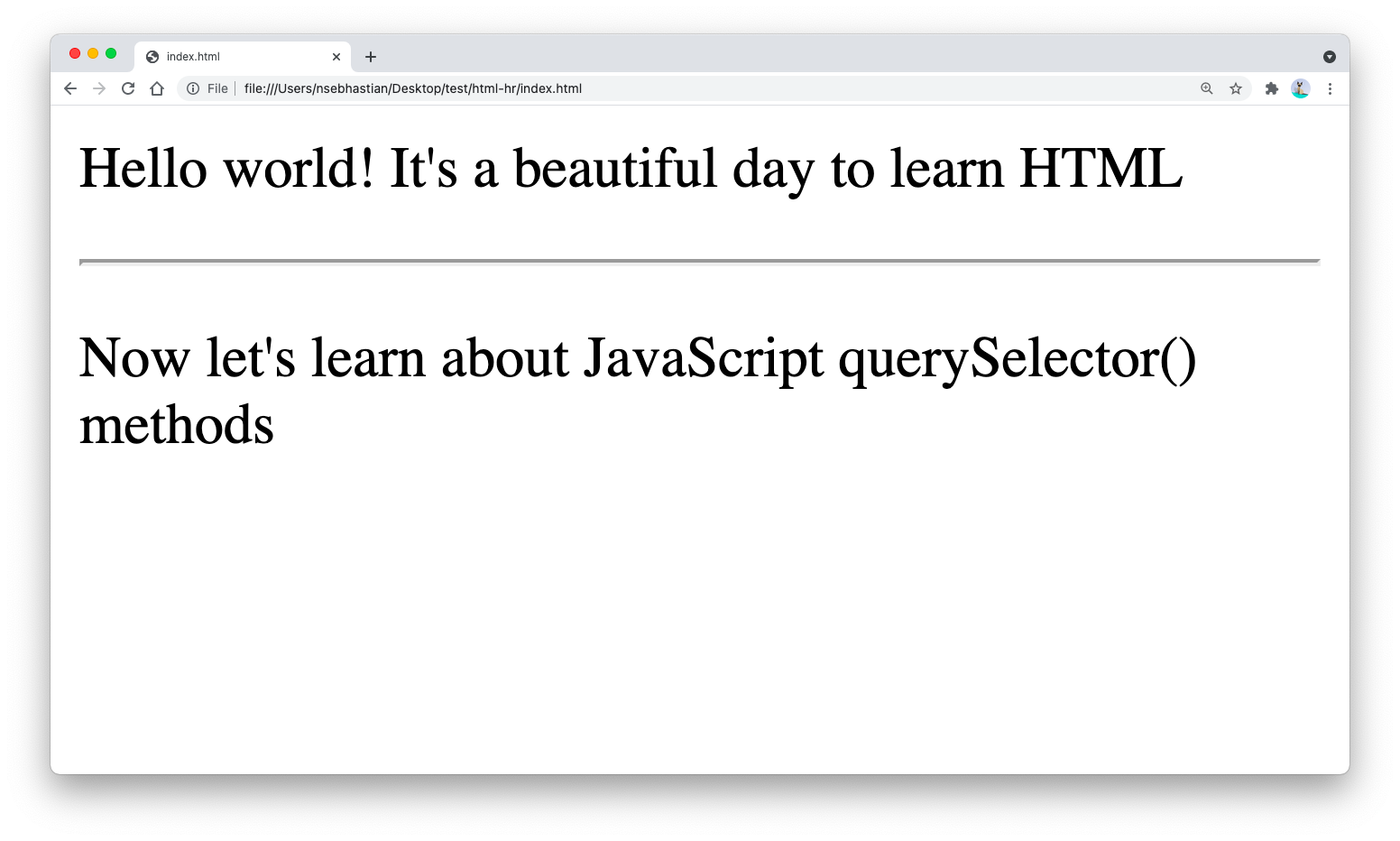
Web browsers tend to style the <hr> tag a bit differently even though it always produces a horizontal line using the border property.
If you want to customize the look of your <hr> tag, you need to normalize the style first by writing border:0 rule for the <hr> tag.
For example, the following style attribute will create a brown-colored two pixels border:
hr {
  border: 0;
  border-top: 2px solid brown;
}
The border is applied only to the top side using border-top property because using the border property would apply the 2px rule both to the top and bottom side. You will have a four pixels border instead of two pixels.
Here’s how it looks on Chrome browser:
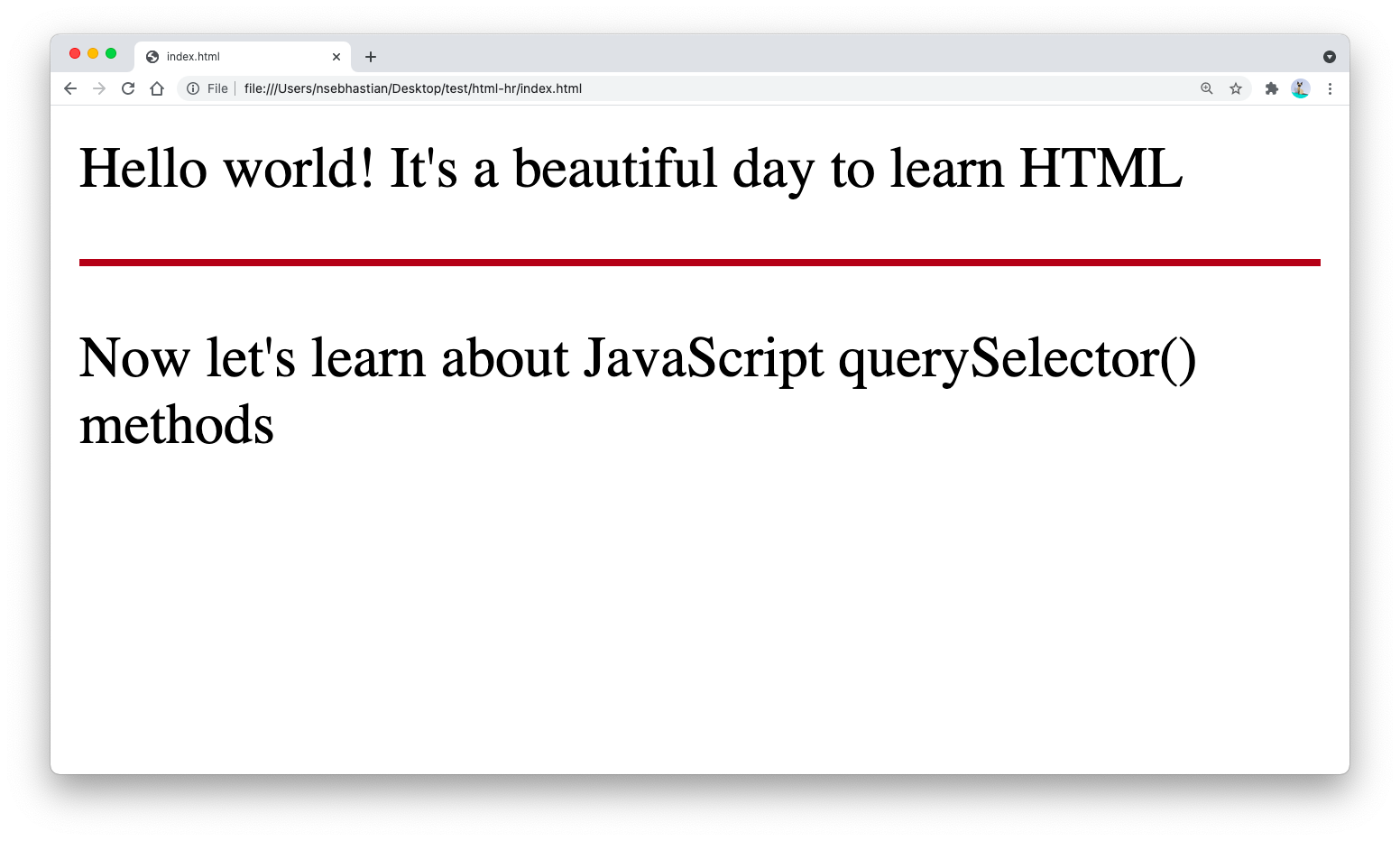
You can use any valid border-style attribute to style your <hr> tag.
For example, you can create a dashed horizontal line using the following CSS:
hr {
  border: 0;
  border-top: 2px dashed brown;
}
You can apply different styles for the <hr> tag by targeting different classes in your CSS rule:
hr.dashed {
  border: 0;
  border-top: 2px dashed brown;
}

hr.dotted {
  border: 0;
  border-top: 2px dotted brown;
}

hr.rounded {
  border: 0;
  border-top: 2px solid brown;
  border-radius: 5px;
}
And that’s how you create a horizontal divider using HTML and CSS 😉