How to wrap text using CSS

This tutorial will help you understand the word wrap behavior of CSS and how to use it in your HTML documents.
The CSS word-wrap property is commonly used to keep a line of text stays inside its container element by breaking long words into the next line.
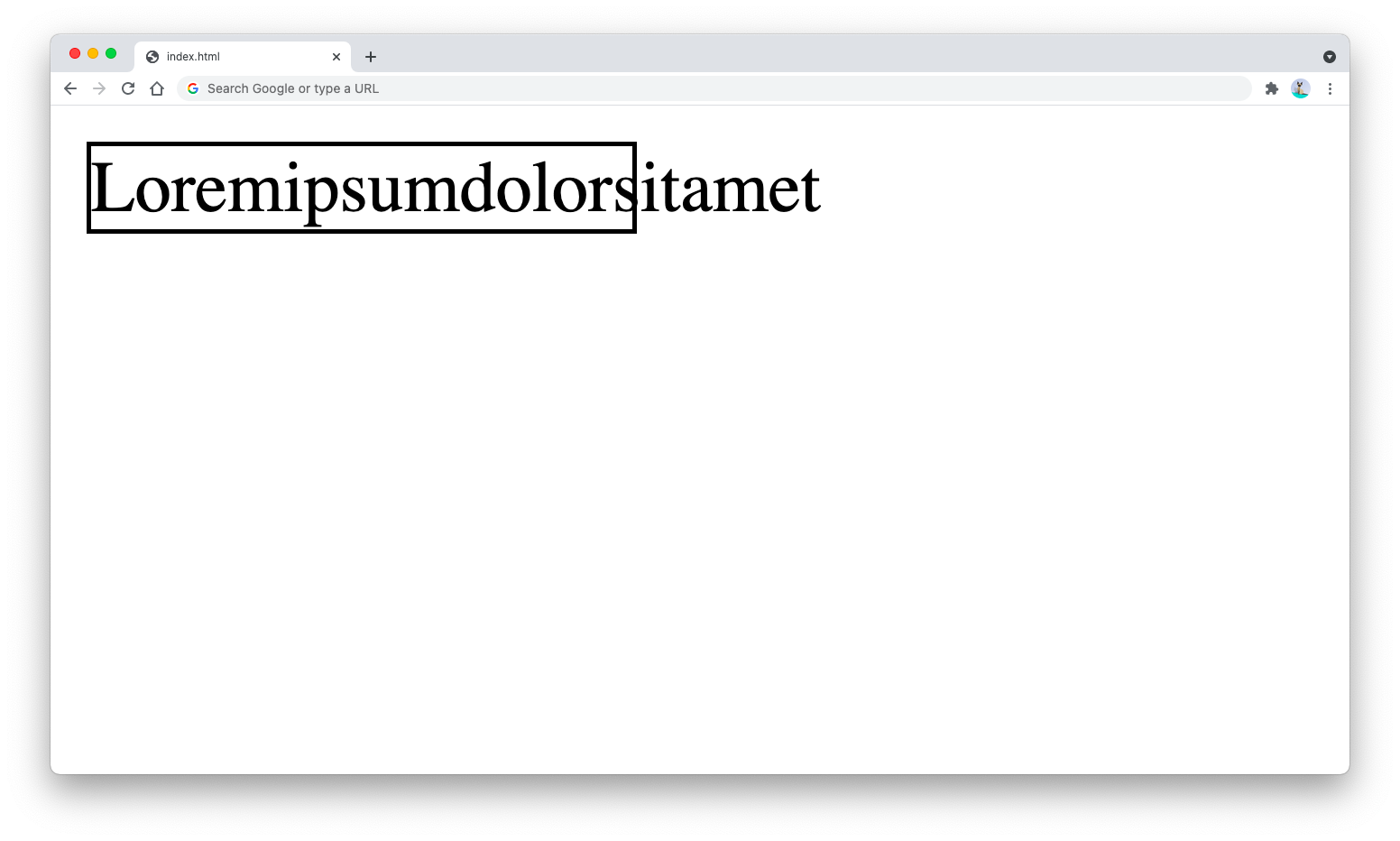
By default, a long word without any space between will push through the width of the container if not broken.
The following HTML document creates a <p> tag with a width and visible borders:
<p style="width: 120px; border: 1px solid black">Loremipsumdolorsitamet</p>
The output will be as follows. Notice how the words ran past through the visible borders:
To avoid the text from overflowing outside the borders, you can use the word-wrap property that accepts 4 possible values as shown below:
word-wrap: normal|break-word|initial|inherit;
The normal value is the default value where a text will break only when there’s one or more spaces or special characters.
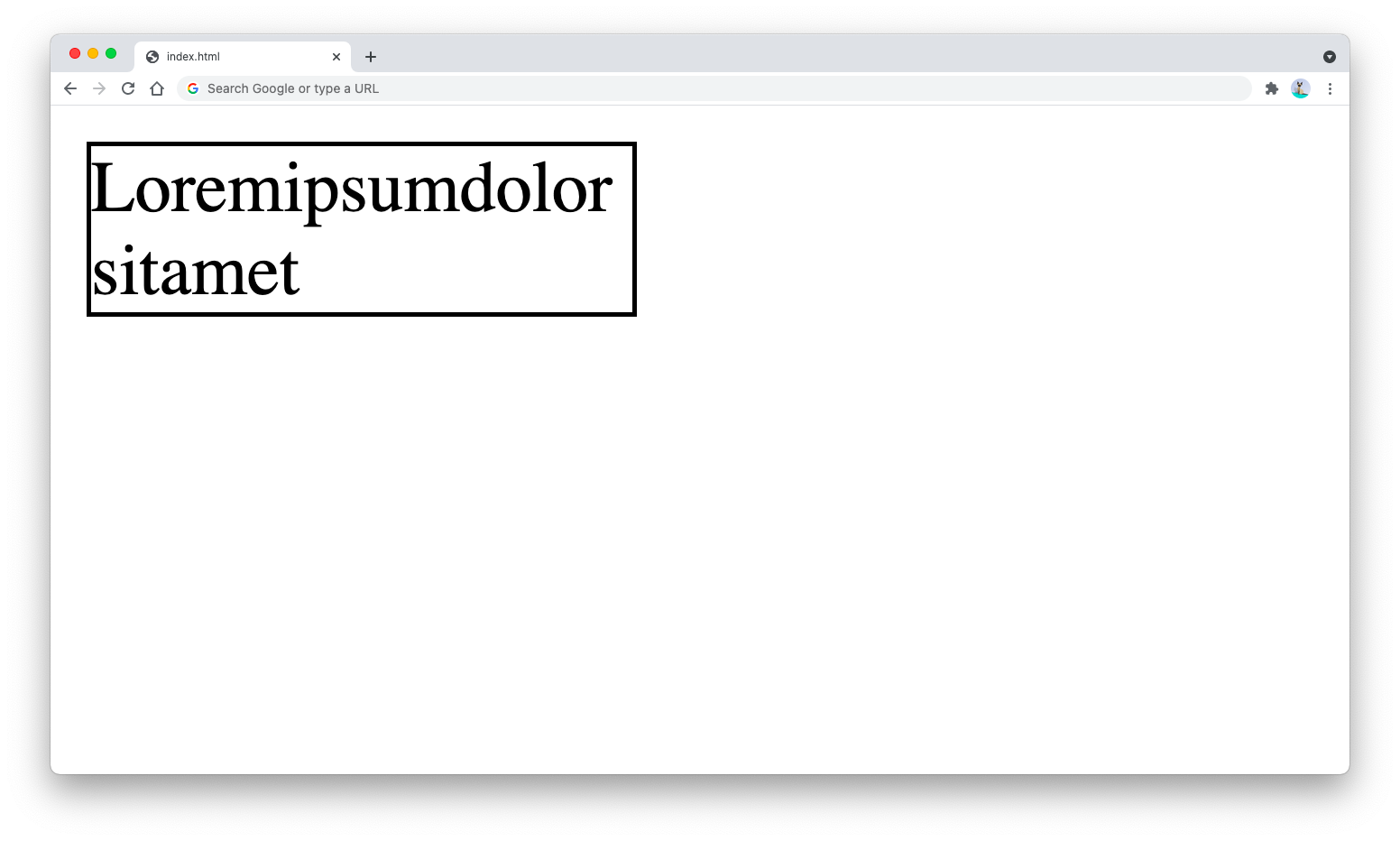
The break-word value will cause the text to break at the end of the container’s width:
<p style="
  width: 120px;
  border: 1px solid black;
  word-wrap: break-word;">
  Loremipsumdolorsitamet
</p>
The HTML output will be as follows:
And that’s how you use the word-wrap CSS property.